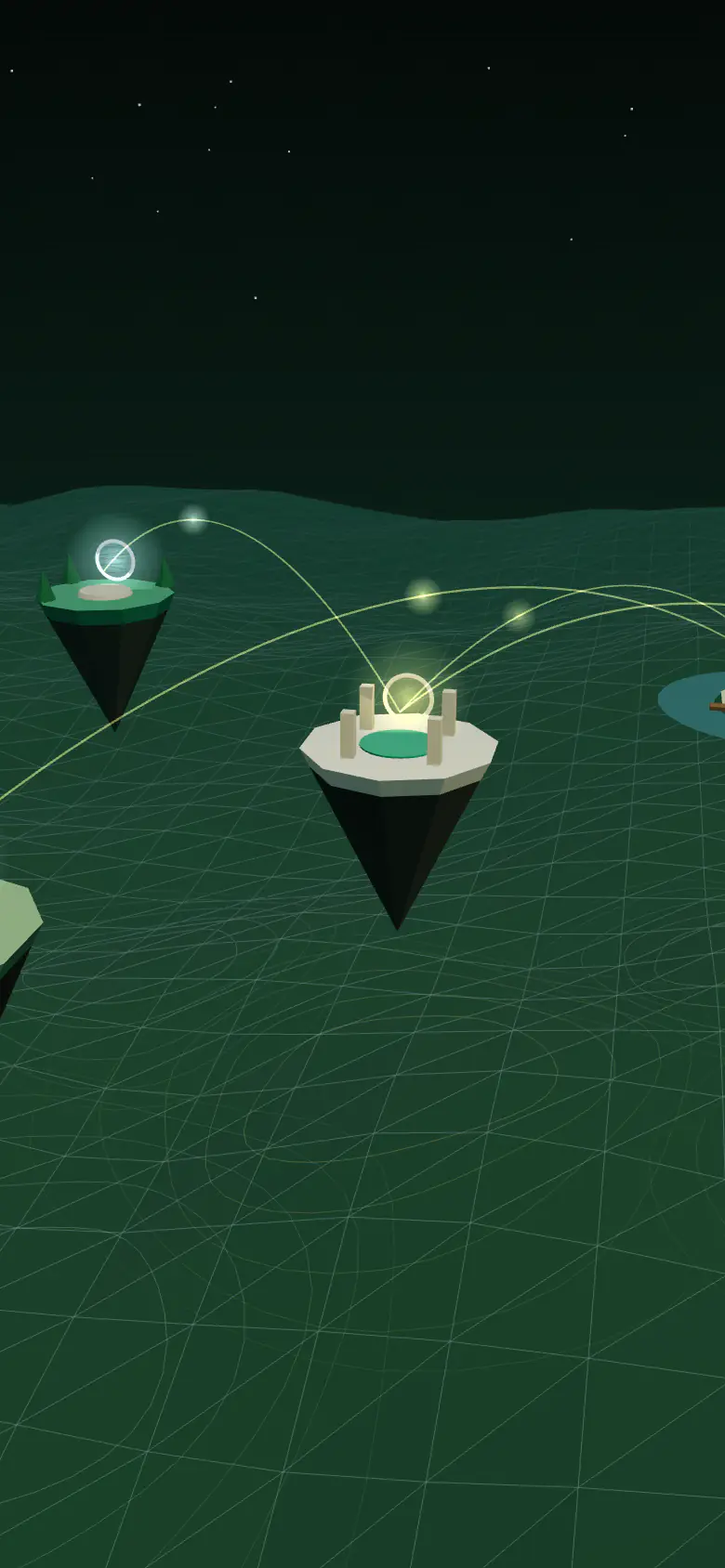

Web of Worlds
Every world is built its own way.
Works today with Three.js, Kaplay, HTML canvas and Godot. Next: WebXR for VR, Unity, Unreal, Godot desktop and Luanti.
 OpenSpatials
Connect your game
OpenSpatials // world network // early beta
Make my game connect. Use the skills at https://openspatials.com/developers/skills/SKILL.mdWeb of Worlds
Works today with Three.js, Kaplay, HTML canvas and Godot. Next: WebXR for VR, Unity, Unreal, Godot desktop and Luanti.

Portals

You
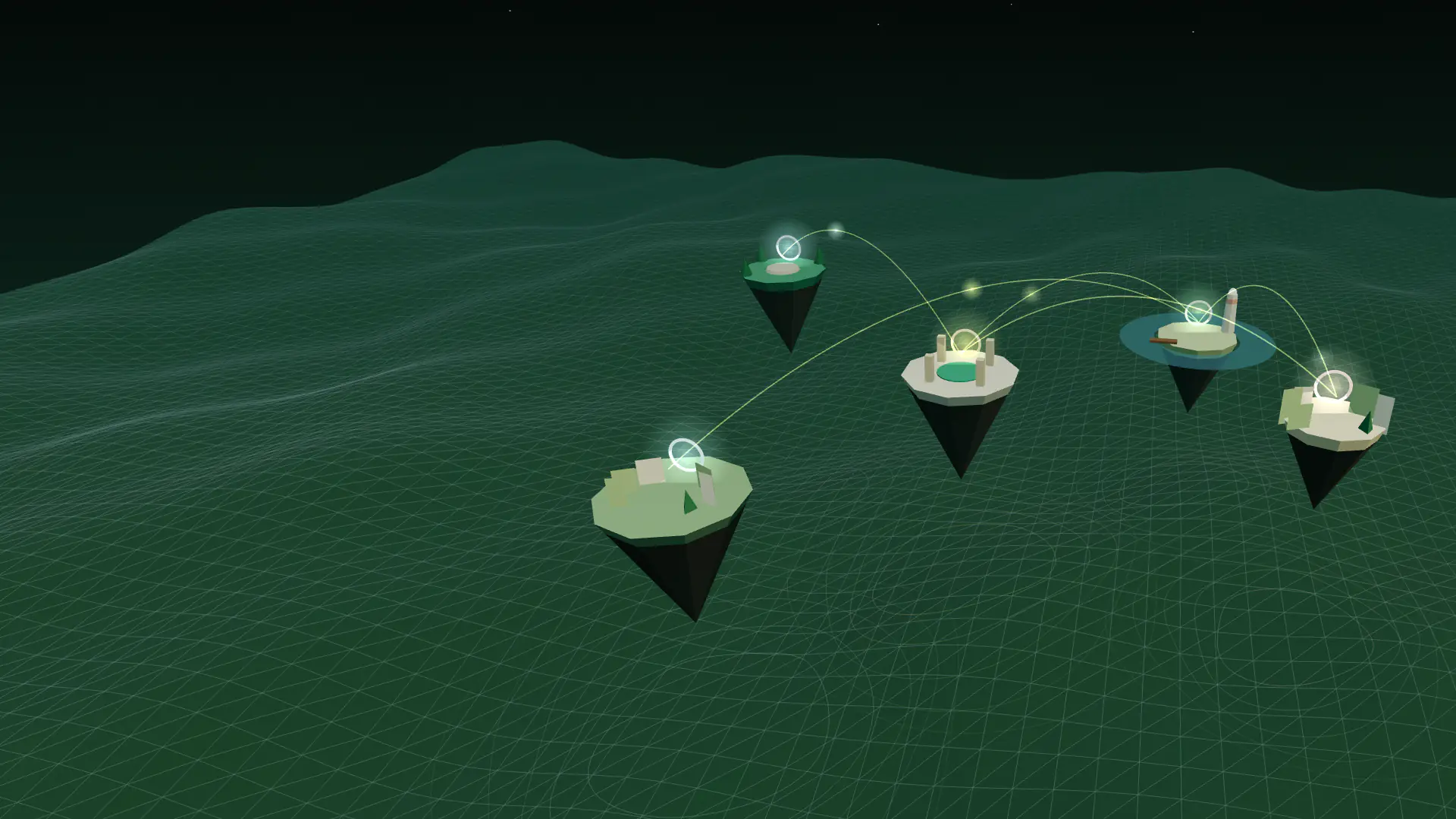
Live map
Every registered place is a world: a game, a metaverse, a layer, a fabric or a twin. Each one stays on its own site and decides what it accepts.

Drag to turn the map · select a world to enter it
[01] Protocol
Step through a portal and you arrive in another world, built by someone else with different tools, as the same you. There is nothing to sign up for and nothing to install. It works the way a link works on the web.
The protocol is small. Each world publishes a public file that says what it accepts. Your character is a file you can keep anywhere. Items carry the signature of the world that gave them, so the next world can check them. Nothing passes through us: if openspatials.com went offline, connected worlds would keep working.
[02] Characters
Your characters and loadout items travel with you.
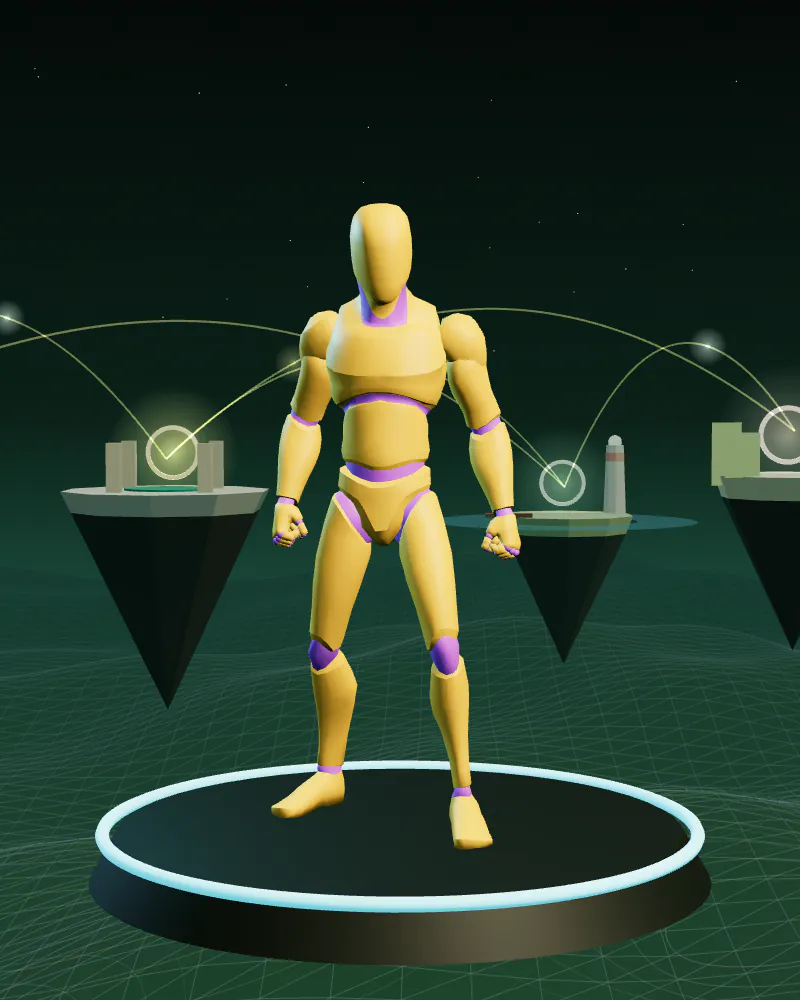
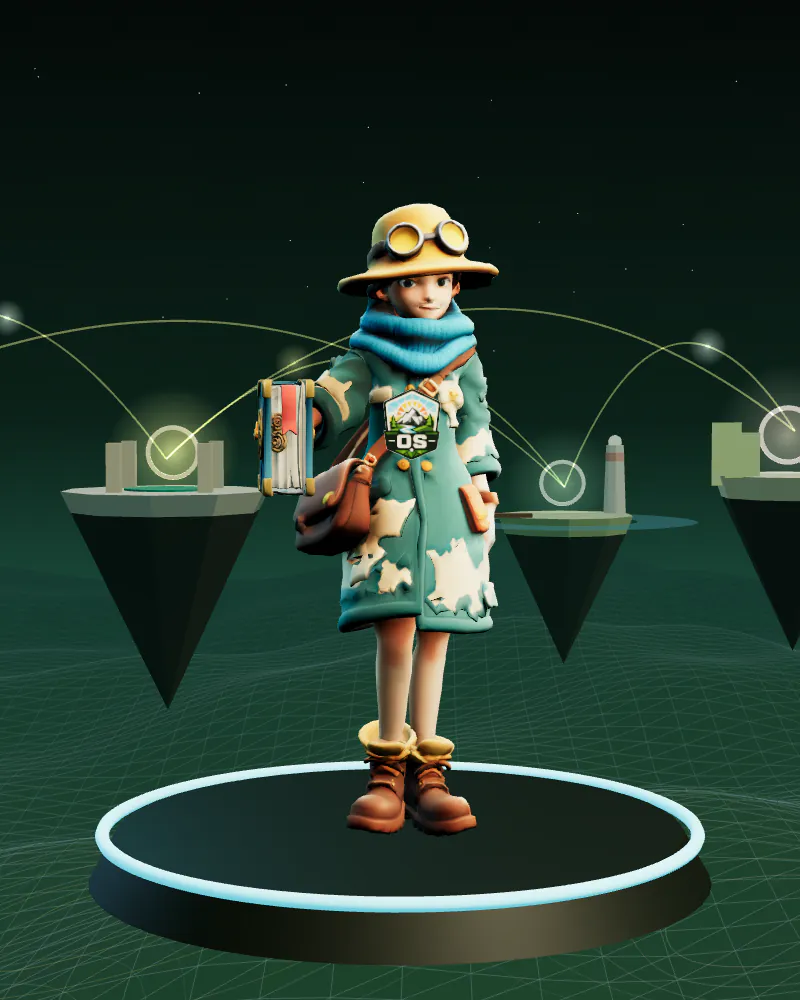
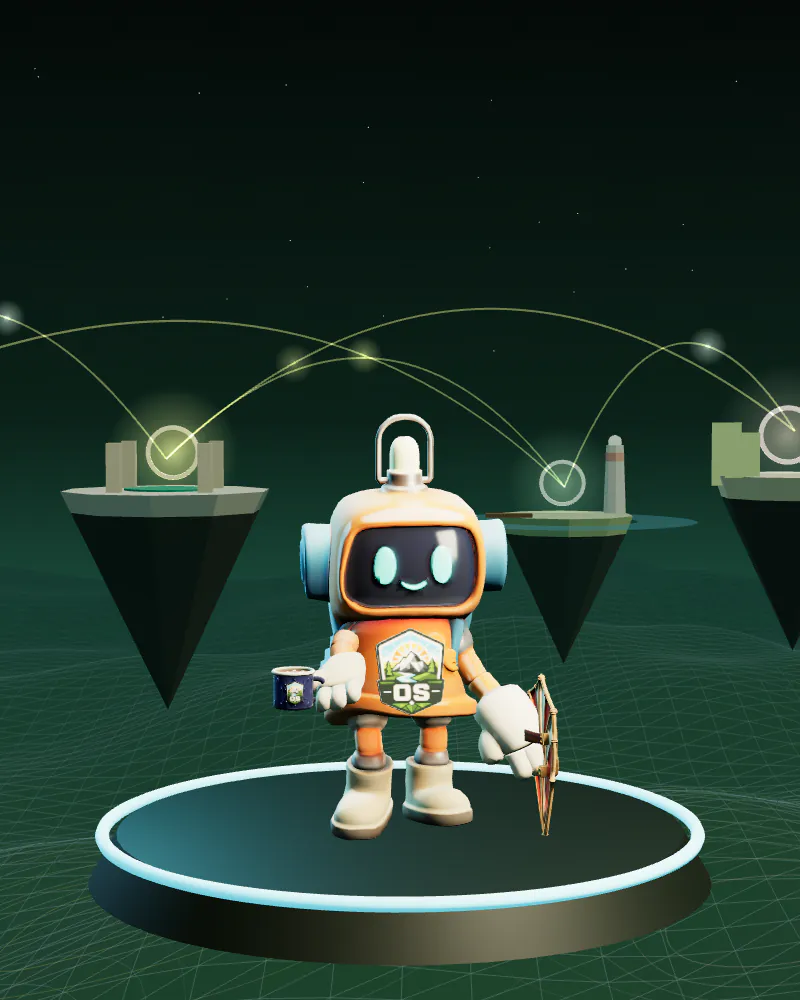
Drag to turn


[03] Portals
A portal is a link to another world. Your character and what it carries go with you, and the world you arrive in checks what it accepts.


Your character


Arrived
Your data travels with you and is owned by you.
The capsule is your character’s signed record, a Universal Manifest document you can keep anywhere.
Your character
[04] Projects
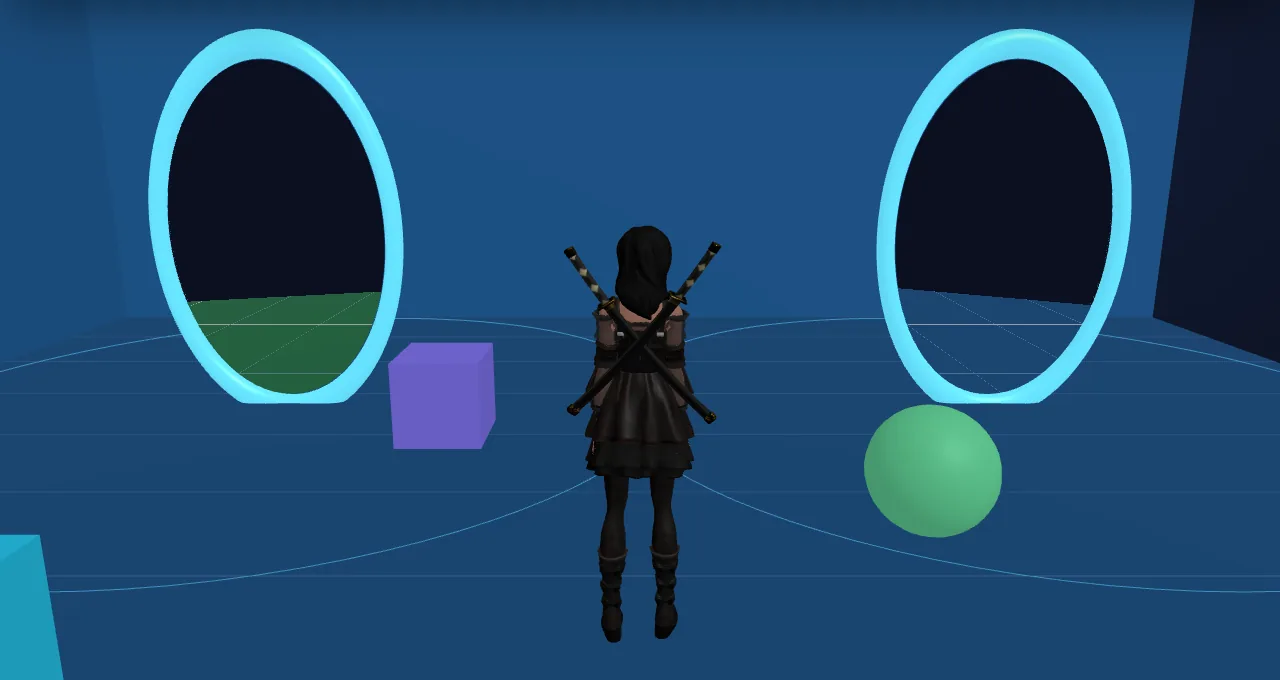
A Web of Worlds demo: walk one character through portals between three worlds, and keep its identity and gear.
Open the projectPicture: the lab’s own demo, Location A. The lab is open source (Apache-2.0). The character model is by Ready Player Me (source); this picture is shared under CC BY-NC-SA 4.0.
[05] Standards
Companies and standards groups working on the same problems, in working groups open to any member organization. Our work touches nearly all of them:
Exploratory groups: Decentralized Web3 Services, XR Device Interoperability.
A member-governed standards body for spatial computing, agents and the open internet. It publishes Universal Manifest, which our characters and profiles use. A use case on permissions and handshakes was drafted for OMA3 and the Forum’s Infrastructure group.
What spatial-computing standards and tools actually do, with a public source behind every claim.
Made for the Metaverse Standards Forum’s Infrastructure Working Group.
What worlds built by different teams must agree on to work as one web: the whole architecture first, then a crossing through a portal as a worked case, with the bindings proposed to the group.
30 slides, an offline copy, the slide text and spoken notes
Talk materialsIdentity as four separate questions (who or what, who says so, what the receiver learns, what may be done), told through one weekend across borders and virtual worlds.
22 slides, as PDF and PowerPoint, with the spoken text
Talk materialsOpenSpatials is an independent project. The work and talks listed here are facts, not endorsements.
Hosting // coming soon
Questions
Because worlds only connect when they follow the same rules. Those rules are now being written together, in the open, by many standards groups and companies, and OpenSpatials builds on them.
Every game and virtual world was built with its own rules, so nothing could cross between them. Earlier attempts joined one world to one other: in 2008, Linden Lab and IBM moved characters between Second Life and an OpenSim server, on a test grid only. When one company owns the bridge, the bridge ends with it: a widely used service for game characters shut down in January 2026.
In June 2022, 37 companies and standards groups founded the Metaverse Standards Forum, among them Meta, Microsoft, NVIDIA, Epic Games, Sony Interactive Entertainment and Unity. Today more than 2,500 organizations take part. The Forum writes no standards itself: it brings the groups that do, such as Khronos, the W3C, the Open Geospatial Consortium and Open AR Cloud, to work on the same problems.
The standards OpenSpatials uses are published for anyone to read and build on. The Forum's members take this work to meetings around the world, such as W3C's TPAC and UnitedXR Europe. OpenSpatials brings its own work to the Forum's working groups: the Atlas and the two working group presentations listed under Standards.
The pieces are already standards: glTF for 3D models (an ISO standard since 2022), GeoPose for real-world places (OGC, 2022) and WebXR for headsets (W3C). OpenSpatials uses glTF today, with WebXR and GeoPose next, and joins worlds with the web's own link, so no one company can switch them off. That is how the web grew, and we think worlds will connect the same way.
OpenSpatials is an independent project. The work and talks listed here are facts, not endorsements.
An AI coding agent that can edit files and run commands, plus Node.js and Google Chrome on your computer. For a Godot game, the Godot editor.
To build it by hand and understand every part, start with the specification: the world profile, the character file and the crossing link, each with its JSON schema. Add the kit to your engine: the web connector with its Three.js, Kaplay and canvas layers, or the Godot 4 add-on. Then run the self-check, which plays your world in a browser and checks arriving, moving and leaving, and the conformance suite in the kit’s core package, where npm test runs every case in Node with nothing to install. Every developer page.
Three.js, Kaplay, HTML canvas, and Godot through its web export. Next: WebXR for VR, Unity, Unreal, Godot desktop and Luanti.
No. Each world serves its own files and its own profile, and a crossing is a link. A world hosted anywhere else, with its own copy of the kit, keeps working if openspatials.com is offline.
Prepare its listing with the website tool, then open a pull request from your own GitHub account. OpenSpatials never holds your keys.
The kit is released under MIT No Attribution, and its documents under CC0.
Make my game connect. Use the skills at https://openspatials.com/developers/skills/SKILL.md